

Medical
Web AppHealth Share
A consultation and advice web app for clinicians, patients, and Circle of Trust caregivers to share medical history in one place.
The Platform
About the Web App
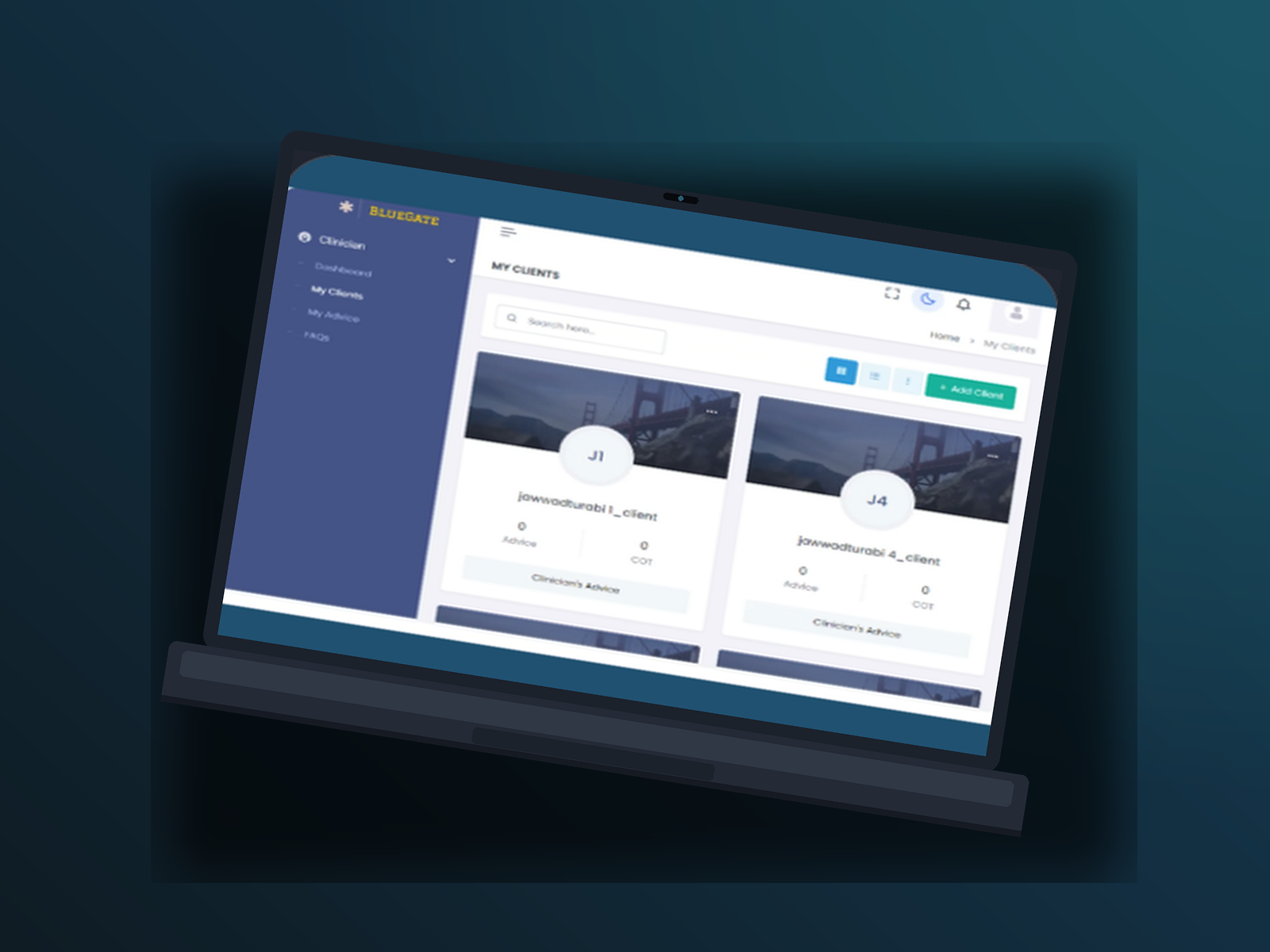
A healthcare practitioner asked Computing Yard to keep patient records and medical histories in a web application, so tracking patients and their advice would be easier. The work also included automation around prescription tracking. The original project record lists the client as Blue Gate.
We built a consultation and advice CRM that stores patient information, primary caregivers, medication, advice, and medical history. Sign in and sign up ask users to continue as Admin, Clinician, Patient, or COT (Circle of Trust / primary caregiver). Registration includes user type and an option for two-factor authentication.
Patients can open My Clinicians to see clinician profiles and advice, then add Circle of Trust members to follow progress. COT members get a Client page and a Clinician’s Advice list with priority and filters. Clinicians manage My Clients and an organized My Advice table with search, condition filters, and pagination. Role-specific dashboards keep clinician, client, and COT workspaces separate. Automated reminders, appointment setting, patient categorization by severity, and text messages at medication times support follow-through.
THEME
Primary
#2A9B8F
Secondary
#D4B44A
Background
#0F1C24
TYPOGRAPHY
Open Sans
Aa Bb Cc Dd Ee Ff Gg Hh Ii Jj Kk Ll Mm Nn Oo Pp Qq Rr Ss Tt Uu Vv Ww Xx Yy Zz 0123456789
Objectives
Project Goals
One place for patient records
Keep patient records and medical histories in a web application so clinicians can track patients and their advice without scattered files.
Four roles on one platform
Support Admin, Clinician, Patient, and COT profiles, each with a dashboard suited to that role.
Keep caregivers in the loop
Let Circle of Trust members view patient profiles and clinician advice so primary caregivers stay informed in the care process.
Product Screens
Inside the platform
Key workflows from the web application, shown at desktop scale so the product interface stays readable.
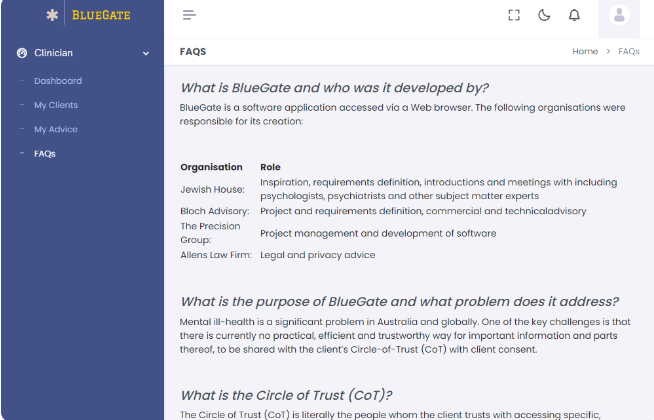
Clinician FAQs on sharing information with a Circle of Trust
Challenges
Project Challenges
Records lived outside a single web application: Patient records and medical histories needed to live in a web-based application so they were easier to track alongside advice.
Four audiences needed different workspaces: Admin, clinician, patient, and COT users all needed access to the same care record without sharing the same screens.
Advice had to stay searchable and prioritized: Clinicians and COT members needed to list advice, see priority, filter by conditions, search by title and category, and page through results.
Process
Our Approach
- 01
Role-based consultation CRM
We structured the product as a CRM for patients and caregivers, with sign in and registration that select Admin, Clinician, Patient, or COT.
- 02
Dedicated pages per role
Patients use My Clinicians, Circle of Trust, and Advice. Clinicians use My Clients and My Advice. COT members use a Client page and Clinician’s Advice. Each role also has its own dashboard.
- 03
Reminders and classification
The platform categorized patients by severity, demographics, and diagnosis, and used automated reminders, appointment setting, and text messages at medication times.
Highlights
Key Features
Role-based sign in and sign up
Sign in to manage patient information, medical histories, and consultations, or register with first name, last name, email, user type, and a two-factor authentication option.
Clinician My Clients
Clinicians search and add clients, switch grid or list view, and open Clinician’s Advice from each client card.
My Advice
An organized advice table lets clinicians list advice given to patients, search by category and title, filter by conditions, and move through results with pagination.
Circle of Trust
Patients add Circle of Trust members to track progress. COT members view patient profiles and clinician advice, including priority and filters, with client consent.
Outcomes
Results
01
Records, advice, and history in one CRM
Patient information, caregivers, medication, advice, and medical history sit in a single consultation and advice system.
02
Caregivers can follow the same advice trail
Circle of Trust members can view patient profiles and the advice given to them, so they stay informed without a separate paper process.
03
Medication reminders for patients and COT
COT members and patients receive text messages at medication times so medicines are taken on schedule.
Portfolio
More Projects

Freight Operator
A dispatcher web application for managing loads, documents, routing, billing, and driver operations from pickup through delivery.

Share Accountz
A web and mobile app for sharing bank accounts and social handles from one profile, with a dashboard, QR code, and one-click share link.
Start Your Project
Ready to build something like this?
Tell us about your idea and we will help you turn it into a reliable digital product.